

Bringing Your Moment to Life
AIs Empower You to Create Video Scenes That Matter

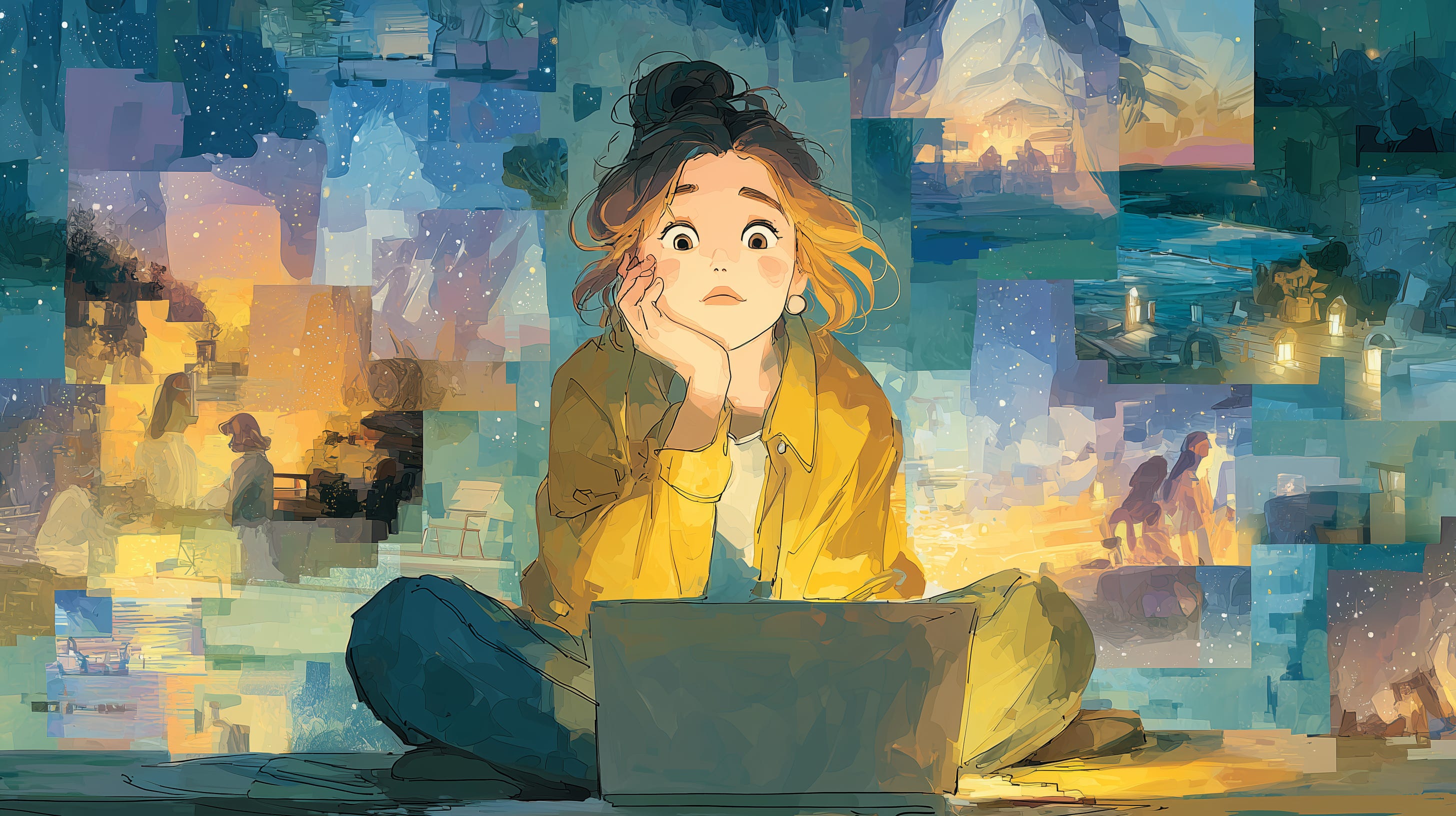
Remember that one moment that’s just yours? The street corner where you first kissed, your grandma’s porch swing at dusk, the crowded market where you felt alive for the first time? Here’s the remarkable part: in October 2025, you can recreate that scene as a shareable video in minutes. No film degree, no crew—just you, an AI tool, and the details only you remember. In fact, it can be as simple as starting from an old picture you took or managed to track down online on the Internet.
Just as a quick example, to set up this conversation, I created this clip, using Google’s Veo 3.1, from a picture I took while visiting Port Arthur, in Tasmania, almost twenty years ago.
Last time we talked about why your perspective matters in an AI-powered world. Now let’s get practical about using it. Because the truth remains: these tools are only as good as the story you pour into them. Your quirks, your memories, and your heart—that’s what turns a polished AI clip into a scene someone can’t stop watching. (Hint: It is not this one.)
The Magic of a Single Scene
Picture this: You’re at your laptop with a half-formed memory of that lakeside bench where you had an epiphany last summer. You type a prompt into Sora 2: “a serene lake at sunrise, mist curling off the water”—and in under a minute, you’ve got a 60-second clip of golden light and rippling waves.
But it’s not your lake yet.
So you tweak it: “Add a weathered wooden bench with initials carved crookedly into the armrest.” Now it’s starting to feel like that morning you found clarity.
Then you can layer in the distant call of a bird—the exact sound that always comes to mind when you think back to that moment. That’s your scene. Not just pretty pixels, but a piece of your memories that had been frozen in time.
What’s remarkable is how accessible this is now. Tools like Sora 2, Veo 3, and Kling 2.5 Turbo are slashing the time and skill needed to create cinema-grade visuals and audio. But your ideas, your experiences, your spin—that’s what turns okay content into something people can’t stop talking about. A single scene, 8 to 15 seconds of a moment or place that means the world to you, can carry more weight than a generic five-minute montage. Because it’s yours, and no AI can replicate the way you felt when you stood in that place or lived that moment.
Your Creative Toolkit: What’s Available Now
Let’s unpack the tools making this possible. These are the latest options for crafting scenes that pop, and they’re more user-friendly than ever. Here’s what each one does best, based on general user comments and feedback.
Sora 2 (OpenAI) — The Cinematic Powerhouse
Generates up to 60 seconds of video with details so crisp you’d swear it’s a Hollywood outtake. Perfect for nailing the mood of your moment—the glow of your childhood park at dusk, swaying trees, and soft shadows rendered in minutes.
Best for: Atmosphere and emotional weight
Watch out for: Over-polished results that feel too perfect
Veo 3 (Google) — The Audio Alchemist
The game-changer here is audio sync. You can add the exact sounds that make your scene real—the clatter of dishes in the diner where you had your first real talk with your dad, the specific hum of traffic from your rooftop. Pair it with visuals, and your memory feels alive.
Best for: Sounds that trigger memories
Watch out for: Generic sound libraries when you need something specific
Kling 2.5 Turbo — The Speed Demon
Lets you iterate crazy fast, tweaking that foggy alley from your late-night epiphany until the streetlights hit just right. You’ll go through five versions before other tools finish rendering one.
Best for: Experimentation and rapid refinement
Watch out for: The temptation to over-tweak until your scene loses its spark
Grok-Imagine (xAI) — The Unfiltered Option
Fewer guardrails mean you can push boundaries and capture raw, unpolished authenticity. Got a memory of a chaotic protest or an uncomfortable family moment? This tool won’t sanitize it. But with creative freedom comes responsibility—audit your work for harm and bias before sharing.
Best for: Authentic, unvarnished moments
Watch out for: Ethical blind spots and potential misuse
These tools are your playground, but they’re not the storyteller. That is your part to play. They’re fast and powerful, but they’re generic until you layer in the details only you know. That scuff on the wall, the way the air smelled, the half-smile of a stranger who changed your day—that’s what makes your scene unforgettable.
From Memory to Magic: Your Scene-Building Workflow
So how do you take a fuzzy memory and turn it into a scene that hits people in the chest? It’s all about iteration—you’re not just correcting the AI’s mistakes, you’re making the project more you with every pass. Here’s a workflow to get started:
1. Pick Your Moment or Place
Choose something that sticks with you. The rooftop where you watched a meteor shower with your best friend. The subway platform where you decided to change your life. Don’t overthink it—just pick a scene that feels like home.
2. Prompt Broadly, Then Get Personal
Start general: “a quiet rooftop at night.” Then add your details: “The skyline’s jagged, with a faint hum of traffic below, and a single beer can forgotten in the corner.” Different tools work best in different scenarios: what is more important to you, the sound or the fine detail?
3. Iterate with Heart
Run the tool again, tweaking one thing at a time. Maybe the stars need to twinkle more like they did that night, or the air needs a chill you can almost feel. It might take five or ten tries, though it might get pricey if you are very keen on reaching perfection. That’s normal, at this stage, so you might want to keep an eye on the spending.
4. Audit for Truth and Ethics
Watch your scene. Does it make your heart skip, like you’re back there? If not, add one more detail only you’d notice. But also check: Have you credited any inspirations? Tools like Adobe Firefly can help you avoid copyright issues, keeping your scene clean and authentic.
5. Know When Good Enough Is Good Enough
Here’s the reality check: perfecting your vision can get expensive. Set your bar based on what you need. A quick social media post? Three iterations might be plenty. A portfolio piece or something deeply personal? You might need more passes to capture that exact feeling.
Real Example:
I learned this lesson firsthand while creating an illustration for a story using Midjourney. When they released their video creation function, I was excited to bring my illustration to life with movement. After several tries, I had a 10-12 second scene that really matched my vision—the exact motion and feeling I wanted. But here’s the catch: getting there burned through my entire month’s credit for image creation.
The possibilities are almost endless, but directing those changes to achieve your vision can drive costs up fast. Now I ask myself upfront: What’s this scene for? If it’s experimenting or sharing casually, I stop at “pretty close.” If it’s something that matters deeply—like a memory I want to preserve or a piece I’m sharing professionally—then I budget for those extra iterations.
Here’s another trap: AI loves perfection, but perfection can feel hollow. If your scene looks too slick, it might lose the messy, human spark that makes it yours. Balance precision with pragmatism. Keep those tiny, real details—a chipped mug, a crooked shadow—that scream you, but don’t bankrupt yourself chasing the impossible.
Your Scene, Your Legacy
The future’s only getting wilder. Apple’s M5 chips are powering on-device AI for Vision Pro, letting you craft AR scenes that feel like stepping into your memory. Multimodal platforms are blending text, audio, and video so seamlessly you’ll soon be directing real-time “memory-scapes” from your phone.
But no matter how fancy the tech gets, the truth holds: only your personality and knowledge can set you apart. Your scene isn’t just a clip—it’s a legacy, a tiny piece of your world that can spark connection with someone, somewhere. So make it ethical and real. Credit the artists or moments that inspire you. Reflect on the lens you’re bringing—your biases, your joys—and own them. That’s how we build a creative community where scenes don’t just dazzle, they connect.
Your Challenge: Make Something That’s Yours
Ready to try? Here’s what I want you to do:
Craft your scene: Grab one of these tools—Sora 2, Veo 3, or Kling 2.5 Turbo all have free tiers—and recreate 10-15 seconds of a moment that’s yours. Not Instagram-perfect, just real. Maybe it’s the park bench where you had a life-changing realization or the café where you wrote your first poem. Then tweak it twice, adding one personal detail each time that only you would know matters.
Share it with us: Drop a link in the comments. Tell us what tool you used and the one detail that made it feel like you. Let’s celebrate what makes your work yours.
Stay in the loop: Subscribe to The Creative Cyborg for more guides, prompts, and tips to keep your inner creator ahead of the AI curve.
Your scene doesn’t need to be perfect—it needs to be you. So grab that memory, fire up a tool, and make something that reminds the world: no AI can dream like a human. What’s your scene going to be?
This post was written with input from Grok 4 and Claude Sonnet 4.5. The illustrating image was generated with Midjourney v7, based on a prompt created by Claude Sonnet 4.5, specifically for illustrating this post. The video was created from an original photo by the author using Google’s Veo 3.1 through Freepik.